Web3
·
·

Web3
Best Crypto Hardware Wallets in 2026: Cold Storage Guide & Top Pick
11 min read
Contents
01
Best Crypto Hardware Wallets in 2026: Cold Storage Guide & Top Pick
02
What Is a Crypto Hardware Wallet and Why Does It Matter?
03
Hardware Wallet vs. Software Wallet
04
Best Crypto Hardware Wallets in 2026: Full Comparison
05
Best Hardware Wallet by Use Case (Summary)
06
How to Set Up a Hardware Wallet Safely
07
Using a Hardware Wallet With a Crypto Exchange
08
Frequently Asked Questions


01
Best Crypto Hardware Wallets in 2026: Cold Storage Guide & Top Pick
If you're serious about crypto security in 2026, a hardware wallet isn't optional — it's essential. Hardware wallets store your private keys completely offline, keeping them out of reach of hacks, phishing attacks, and security breaches that continue to cost investors billions every year. As more traders move into fully or hybrid self-custody, understanding where your assets are safest and when to bring them back to trade has become a core part of managing a portfolio well.
This guide compares the best crypto hardware wallets available right now, including Ledger, Trezor, Tangem, and ELLIPAL. We evaluated across security architecture, supported assets, ease of use, and price. Whether you're new to self-custody or an active trader managing multiple wallets, we've broken down every major option by use case.
At Freedx, we trade crypto seriously, and serious traders think about where their assets live at every stage, not just when something goes wrong. That's why we built this guide so you can trade with confidence and peace of mind.
02
What Is a Crypto Hardware Wallet and Why Does It Matter?
A crypto hardware wallet is a physical device that stores your private keys in a completely offline environment. Your private keys are what grant access to your funds on the blockchain. Whoever controls the keys controls the crypto, so keeping your keys safe is critical.
Unlike leaving funds on a centralized exchange or using a software wallet on your phone, a hardware wallet ensures those keys never touch an internet-connected device. This "cold storage" approach eliminates the most common attack vectors: remote exploits, malware, keyloggers, and compromised accounts.
03
Hardware Wallet vs. Software Wallet
Hardware Wallet | Software Wallet | |
|---|---|---|
Private key storage | Offline, on the device | On your internet-connected device |
Remote hack risk | Essentially zero | Vulnerable to malware |
Best for | Long-term holdings, large amounts | Small, frequent transactions |
Setup complexity | Moderate | Low |
If you are holding any meaningful crypto (even a few hundred dollars), cold storage is the single most important security upgrade you can make.
04
Best Crypto Hardware Wallets in 2026: Full Comparison
Ledger Nano X | Trezor Model T | Tangem | ELLIPAL Titan 2.0 | KeepKey | |
|---|---|---|---|---|---|
Security chip | CC EAL5+ | No CC cert | CC EAL6+ | CC EAL5+ | Standard |
Connection type | Bluetooth, USB-C | USB-C | NFC (tap) | QR code only | USB |
Supported coins | 5,500+ | 8,000+ | 16,000+ | 10,000+ | Major assets |
Open source | Partial | Full | Partial | No | Partial |
Form factor | USB device | USB device | Credit card | Smartphone-sized | USB device |
Price | ~$149 | ~$129 | ~$55–$70 | ~$135–$169 | ~$49 |
Best for | Most users | Advanced traders | Beginners, mobility | Max air-gap security | Budget holders |
All five wallets support the major assets available on Freedx, so moving between cold storage and active trading is straightforward regardless of which you choose.
The Ledger Nano X is the most widely used hardware wallet in the world for good reason. It hits the right balance of security, supported assets, and everyday usability, and supports every asset available to trade on Freedx.
At its core is a CC EAL5+ certified secure element chip, the same class of hardware used on your biometric passports or banking cards. Private keys are generated and stored entirely within this chip and never leave the device. Transaction signing happens on the Ledger itself, so even if your computer or phone is compromised, your keys remain safe.
The Nano X supports over 5,500 cryptocurrencies across more than 50 blockchains, managed through the Ledger Live app (available on desktop and mobile). Bluetooth connectivity allows it to pair wirelessly with your phone for on-the-go portfolio management without compromising key security. Up to 100 apps can be installed simultaneously, so you're never juggling a limited selection of supported coins.
For users moving funds between cold storage and an active exchange account, the Ledger Nano X makes the workflow as straightforward as hardware wallets get.
Key specs:
Security chip: CC EAL5+ certified secure element
Supported assets: 5,500+ coins and tokens
Connectivity: Bluetooth 5.0, USB-C
App storage: Up to 100 apps simultaneously
Battery: ~8 hours Bluetooth use
Compatible with: Ledger Live (desktop + mobile), MetaMask, and 50+ third-party apps
Price: ~$149
>Best for: Most crypto users. This is a great choice for beginners through intermediate holders who want broad asset support, an established ecosystem, and seamless mobile use.
>Watch out for: Ledger has experienced a few data breaches, affecting customer contact details (not private keys or funds). The company has since overhauled its security practices, but it's worth knowing the history.
Trezor Model T — Best Hardware Wallet for Advanced Users
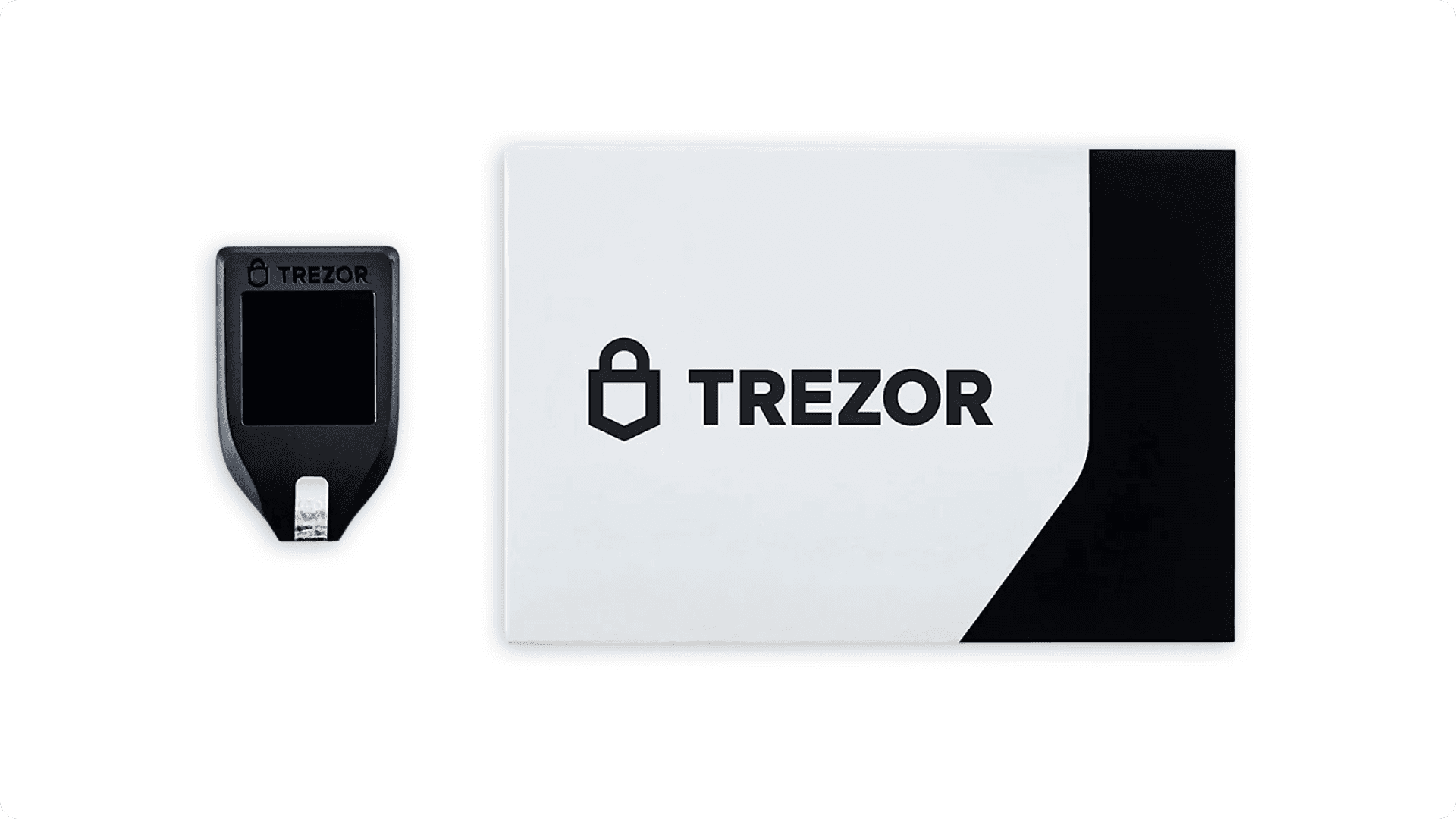
Trezor's Model T is the go-to hardware wallet for security researchers, privacy advocates, and power users — and has been for years. Its biggest differentiator is fully open-source firmware: every line of code is publicly auditable, which is a meaningful trust advantage over proprietary alternatives that ask you to take their word for it.
The 4-inch colour touchscreen makes navigating complex operations straightforward, like reviewing transactions, managing multi-sig setups, and interacting with DeFi protocols, which is noticeably cleaner than on button-only devices. Shamir Backup (SLIP39) offers a sophisticated alternative to standard 24-word seed phrases, letting you split your recovery into multiple shares across different locations, so no single stolen piece can recover your wallet.
With support for over 8,000 cryptocurrencies, a MicroSD card slot for encrypted PIN storage, Tor compatibility for enhanced network privacy, and deep integration with third-party wallets and DeFi protocols, the Model T is the most flexible hardware wallet in this comparison for advanced use cases.
Key specs:
Security: Dual-chip architecture; no CC certification, but open-source and independently audited
Supported assets: 8,000+ cryptocurrencies
Screen: 4-inch RGB colour touchscreen
Connectivity: USB-C
Backup options: Standard 12/24-word seed phrase + Shamir Backup (SLIP39)
Extras: MicroSD slot, Tor support, multi-sig, passphrase support
Price: ~$129
>Best for: Advanced traders, privacy-focused users, developers, and anyone running multi-signature setups or needing the deepest DeFi and third-party wallet integrations available.
>Watch out for: The lack of a CC-certified secure element is a point of debate in the security community. Trezor's counter-argument is that open-source code is more verifiable than a certified black box, which is a reasonable position, but one worth understanding before you commit.
Tangem — Best Hardware Wallet for Beginners and Everyday Use
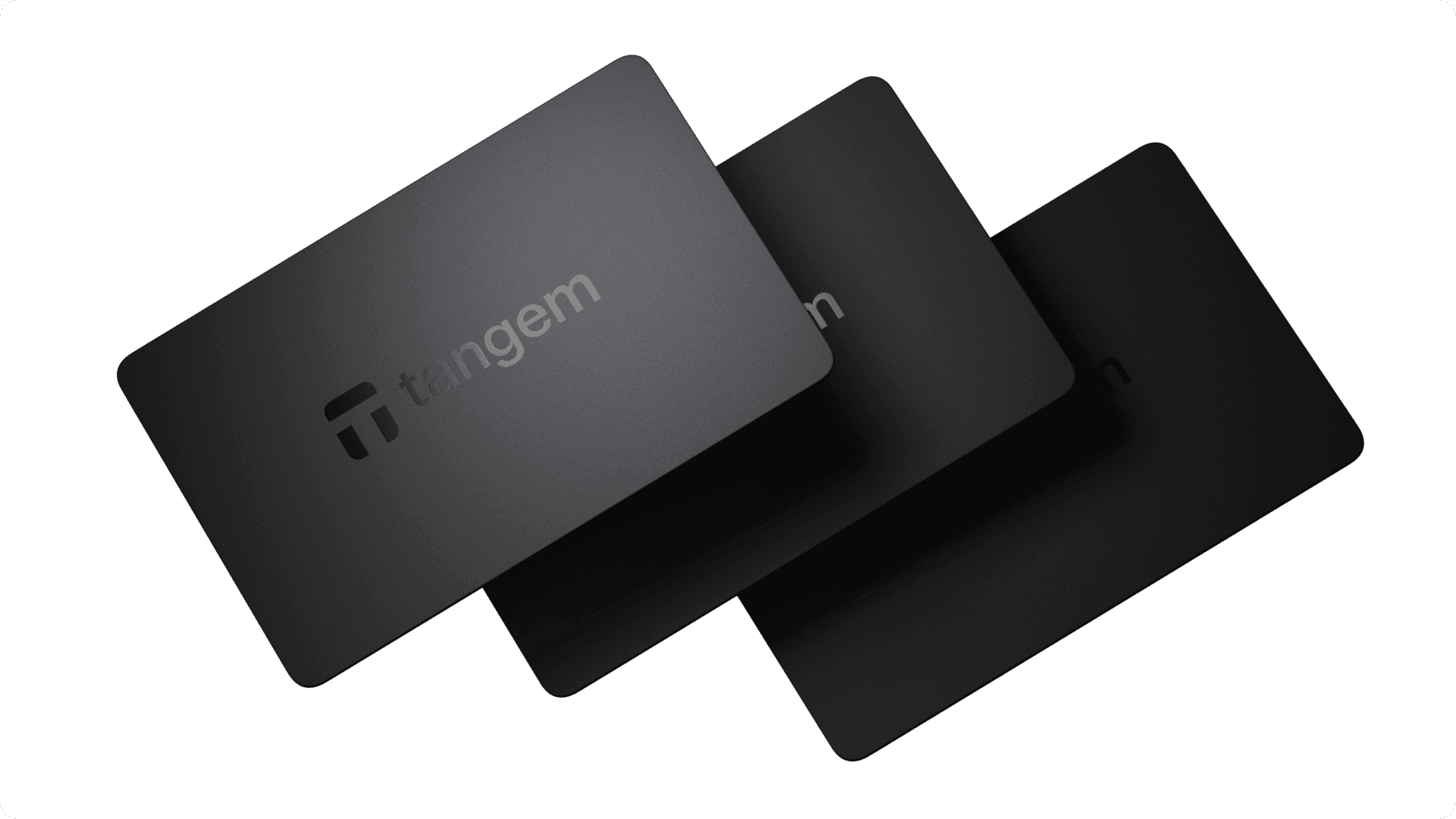
Tangem is the most unconventional wallet on this list, and in 2026, it earned a serious reputation as the best entry point for users who find traditional hardware wallets intimidating. Instead of a USB device with a screen and buttons, Tangem is a credit-card-sized smart card that stores your private keys inside an embedded EAL6+ certified secure chip. You tap it to your phone to sign transactions. That's the whole workflow.
The EAL6+ security rating is the highest chip certification in this comparison, the same standard used in military hardware and, again, your biometric passports. The private key is generated inside the chip during setup and cannot be extracted under any circumstances, including physical attacks against the chip itself. Tangem has also passed two independent security audits by Kudelski Security, which confirmed no backdoors in the firmware.
Where Tangem departs most dramatically from traditional wallets is its approach to recovery. Instead of a 24-word seed phrase written on paper (which is where most people lose their crypto), Tangem uses a multi-card backup system: you receive 2 or 3 cards in a set, each holding the same cryptographically linked keys. Lose one card? Use another. There's no phrase to misplace, photograph accidentally, or have stolen.
With support for over 16,000 assets across 80+ blockchains, a 4.9/5 rating on both the App Store and Google Play, and a 2-card set starting at around $55, it's the most accessible serious hardware wallet available.
Key specs:
Security chip: CC EAL6+ certified (highest in this comparison)
Supported assets: 16,000+ across 80+ blockchains
Connection: NFC tap (no cables, no battery required)
Form factor: Credit card (IP68 water and dust resistant)
Backup: Multi-card system (no seed phrase required)
Firmware: Closed source, independently audited; immutable post-shipping (anti-tamper)
Price: ~$54.90 (2-card set), ~$69.90 (3-card set)
>Best for: Beginners, users who want minimal setup friction, frequent travellers, or anyone who finds seed phrase management anxiety-inducing. Also solid as a secondary wallet for day-to-day use alongside a Ledger or Trezor for larger holdings.
>Watch out for: No screen means you're relying on your phone's display to verify addresses, which introduces a small trust dependency on the Tangem app. A vulnerability in the app was identified and patched in late 2024 (it affected seed phrase users only, and Tangem responded quickly). Also, the card form factor, while durable, means physical loss is easier than with a device you'd notice missing.
ELLIPAL Titan 2.0 — Best Air-Gapped Hardware Wallet
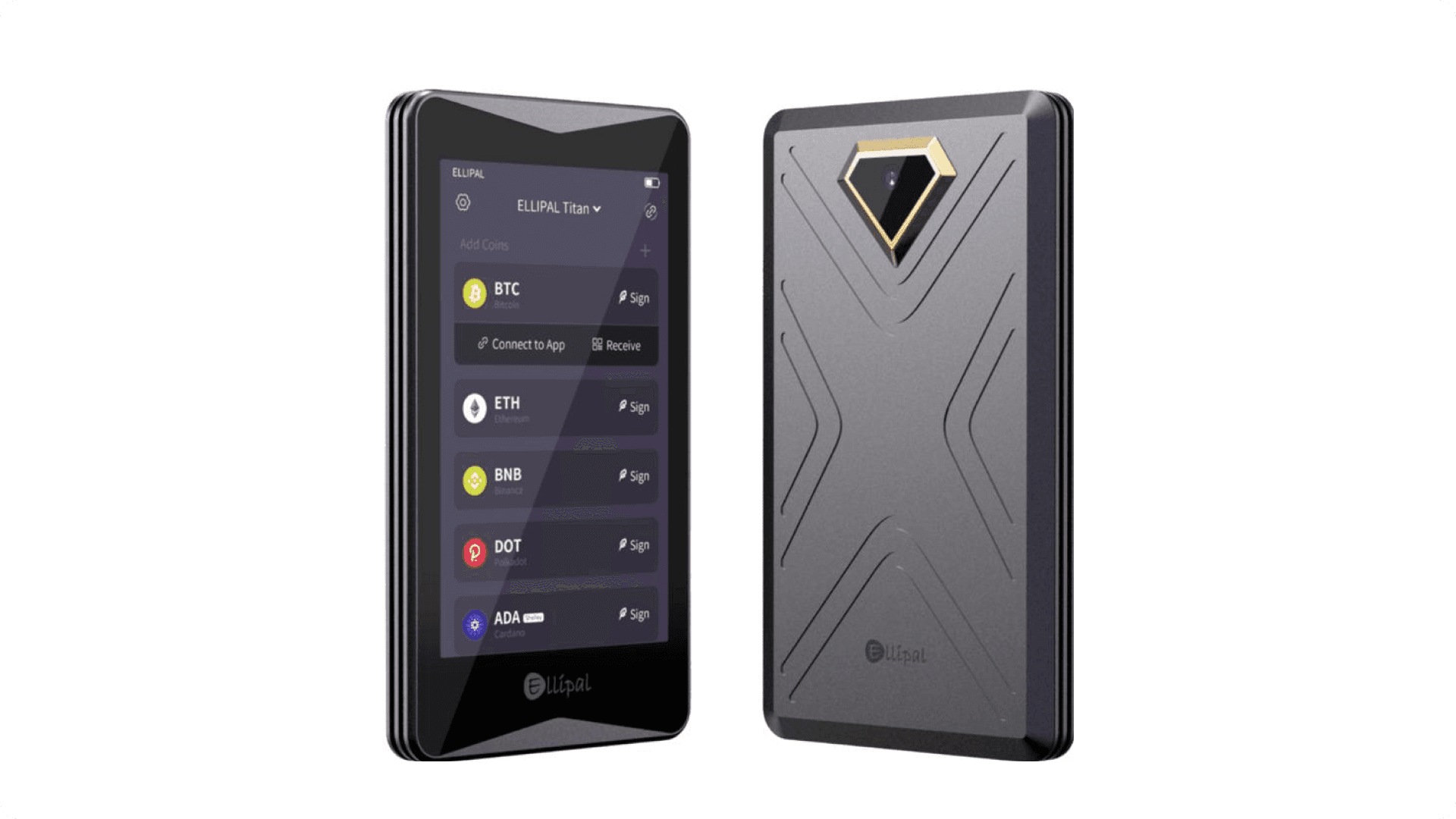
If maximum isolation from online threats is your priority, the ELLIPAL Titan 2.0 is in a category of its own. It has no USB data port, no Bluetooth, no Wi-Fi, and no NFC — it is genuinely impossible to attack this device remotely because it has no wireless or wired data connection of any kind. The only way information moves between the Titan 2.0 and your phone is via QR codes: you scan a QR on your phone with the Titan's camera to import an unsigned transaction, and display a QR on the Titan's screen for your phone to scan back the signed transaction. There is never a live data link.
This air-gapped design is reinforced by a tamper-evident, fully sealed metal body rated IP65 for dust and water resistance. If anyone attempts to physically open the device, a self-destruct mechanism triggers and erases all private key data, nothing can be extracted. Firmware updates are performed via microSD card, offline.
The 4-inch Full HD IPS touchscreen is one of the largest on any hardware wallet, making address verification and transaction review genuinely easy. The ELLIPAL app covers buying, swapping, staking, and DeFi access from the phone side, while the Titan handles all signing offline. It supports over 10,000 coins and tokens across all major networks.
Key specs:
Security chip: CC EAL5+ certified secure element
Air-gapped: Yes — zero wireless or wired data connections
Communication: QR code only (camera + screen)
Supported assets: 10,000+ coins and tokens
Screen: 4-inch Full HD IPS touchscreen
Build: Sealed metal body, IP65 rated, self-destruct anti-tamper
Connectivity: Charging only (no data via port)
Price: ~$135–$169
>Best for: Security-first users, long-term holders with large amounts, and anyone who wants the most physically isolated signing device possible. Particularly well-suited for mobile-first users who don't want to deal with desktop software.
>Watch out for: The QR-based workflow is more steps per transaction than Bluetooth or USB alternatives — it's not slow, but it's not instant either. Firmware is closed source. Mobile app is required for all operations.
Keepkey — Best Budget Hardware Wallet
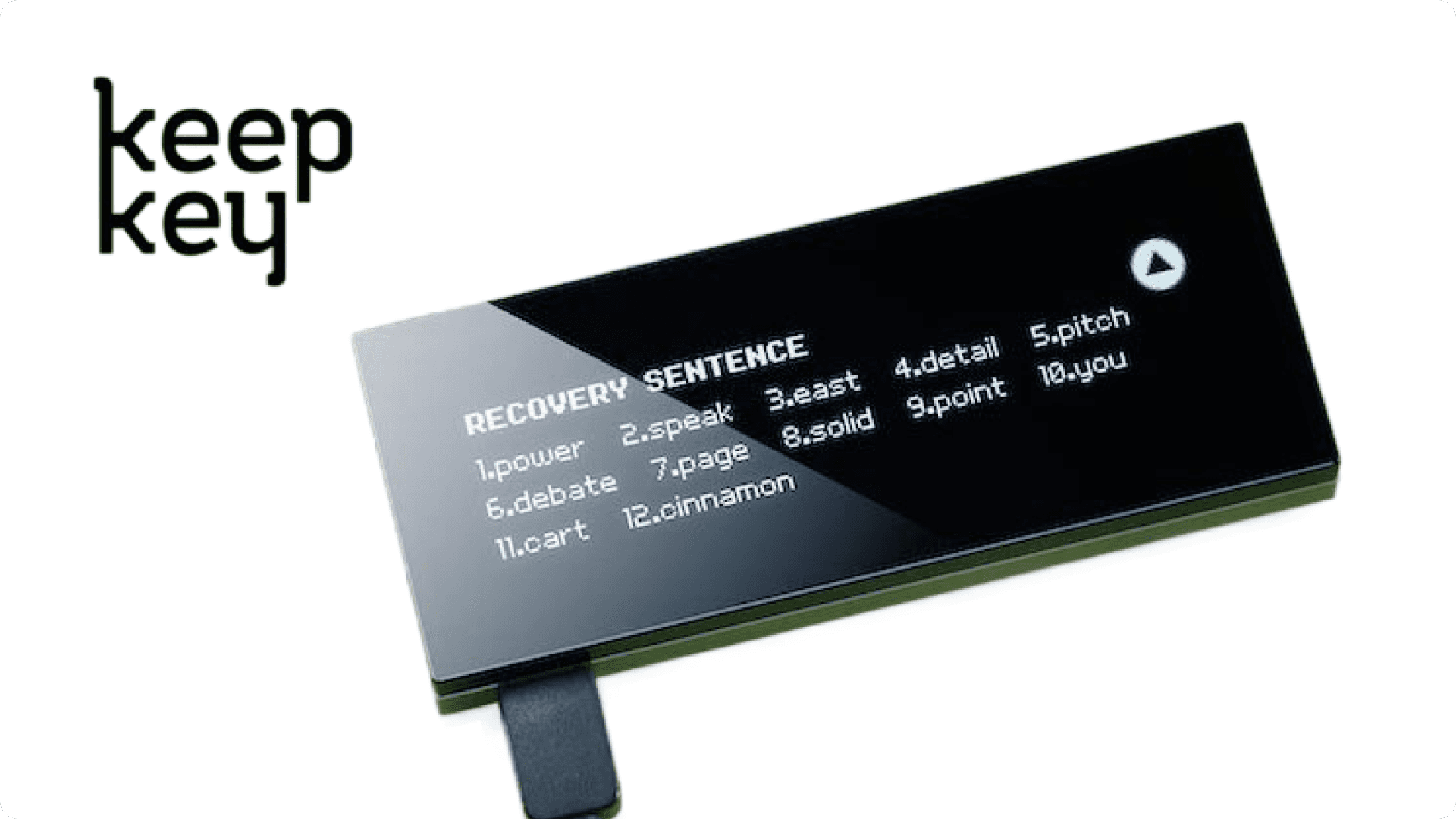
KeepKey doesn't have the brand recognition of Ledger or Trezor, and it doesn't try to compete on feature count, but for users who want a straightforward, no-frills cold storage device at a low entry price, it holds up.
The most notable thing about KeepKey in 2026 is the price: it regularly drops to around $49, making it one of the cheapest reputable hardware wallets on the market. For someone storing Bitcoin and Ethereum long-term with no interest in DeFi, multi-sig, or exotic altcoins, it covers the essentials well. The large display (relative to its price tier) makes address verification readable, and the physical build quality is solid for the cost.
KeepKey asset support is narrower than competitors, covering the major assets but doesn't come close to the breadth of Ledger, Trezor, or Tangem. It also hasn't seen the same level of active development in recent years, which means firmware updates are less frequent and the DeFi/Web3 integrations that other wallets have built out are largely absent here.
Key specs:
Security chip: Standard secure chip
Supported assets: Major cryptocurrencies (BTC, ETH, LTC, XRP, and others)
Screen: Large display for address verification
Connectivity: USB
Price: ~$49
>Best for: Budget-conscious users storing a limited selection of major assets long-term, with no need for advanced features, staking, or DeFi access.
>Watch out for: Limited coin support, less active development, and no advanced recovery options. If you hold a wide range of assets or care about DeFi access, look at the other options in this list.
05
Best Hardware Wallet by Use Case (Summary)
Best Crypto Hardware Wallet for Beginners
→ Tangem for frictionless setup and no seed phrase anxiety
→ Ledger Nano X if you want a more traditional setup with broad asset support and extensive documentation.
Best Hardware Wallet for Active Traders
→ Trezor Model T has the deepest DeFi integrations, multi-sig support, and third-party wallet compatibility make it the most capable wallet for complex trading setups.
Best Cold Storage Wallet for Long-Term Holders
→ ELLIPAL Titan 2.0 if maximum physical isolation matters most
→ Ledger Nano X if you want flexibility to move funds when needed without much friction.
Best Hardware Wallet on a Budget
→ Tangem (2-card set at ~$55) for solid security at low cost
→ KeepKey (~$49) if you only hold major assets and want the most basic setup possible.
Best Hardware Wallet for Privacy-Focused Users
→ Trezor Model T open-source firmware, Tor support, and no reliance on proprietary backend services.
06
How to Set Up a Hardware Wallet Safely
Buy Direct (Always!)
Only purchase from the manufacturer's official website or a verified retailer. Second-hand or marketplace devices carry tamper risks. ELLIPAL even destroys all returned units and ships only new devices for this reason.
Generate Your Seed Phrase on the Device
During initial setup, your recovery phrase must be generated on the hardware wallet itself, not on a computer, phone, or any connected device. Never enter a pre-generated phrase from any external source.
Store Your Recovery Phrase Properly
Your seed phrase is the master key to your entire wallet. If you lose the device and the phrase, your funds are gone permanently. Standard approach:
Metal backup plates: fireproof and waterproof, outlast paper by decades
Multiple physical locations: don't keep your only copy in one place
Never digital: no photos, no cloud storage, no password managers, no email
Keep Firmware Updated
Manufacturers push regular firmware updates to address security vulnerabilities. Always update through the official companion app only, never through third-party tools or links from emails or social media.



07
Using a Hardware Wallet With a Crypto Exchange
Most serious crypto users maintain a hybrid setup: active trading capital stays on a regulated exchange like Freedx for speed and liquidity, while larger holdings move to cold storage between sessions. This is the practical gold standard.
Practical split:
On Freedx: Active trading capital. Immediate access to markets, order books, and liquidity.
In cold storage: Long-term holdings, accumulated profits, anything you couldn't afford to lose to an exchange-side event.
When transferring between your hardware wallet and Freedx, always verify the destination address character-by-character and run a small test transaction first when using a new wallet address.
08
Frequently Asked Questions
Are hardware wallets worth it in 2026?
Yes. For anyone holding meaningful crypto value, a hardware wallet is the most cost-effective security upgrade available. A one-time $50–$170 device protects against the most common and costly attack vectors in the space.
Can a hardware wallet be hacked remotely?
No! Not in any practical sense. Hardware wallets have no persistent internet connection. Remote hacking requires a live network attack surface, which cold storage eliminates by design. The ELLIPAL Titan 2.0 takes this furthest with zero data connections of any kind.
What happens if I lose my hardware wallet?
Your crypto isn't stored on the device, it lives on the blockchain. Your recovery phrase (or backup cards, in Tangem's case) is what grants access. With your seed phrase stored safely, you can recover your full wallet on any compatible device.
Which hardware wallet supports the most cryptocurrencies?
Tangem leads with 16,000+ assets across 80+ blockchains. Trezor Model T supports 8,000+. Ledger Nano X covers 5,500+. ELLIPAL Titan 2.0 supports 10,000+.
Is it safe to use a hardware wallet alongside a crypto exchange?
Yes — it's actually the recommended approach. Active trading funds live on your exchange account, while larger holdings stay in cold storage. When moving between the two, verify addresses carefully and test with a small amount first.
What's the difference between air-gapped and standard hardware wallets?
Standard hardware wallets communicate via USB or Bluetooth, encrypted connections, but still data connections. Air-gapped wallets like the ELLIPAL Titan 2.0 have no live data connections at all, they communicate exclusively via QR codes. This eliminates an entire category of potential attack surface.